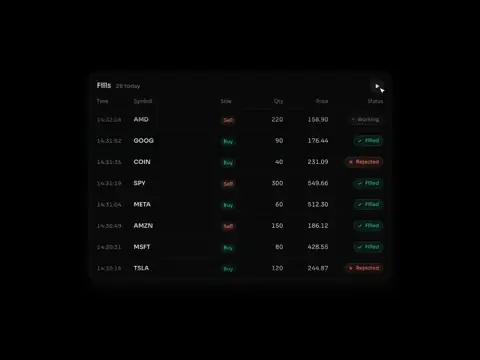

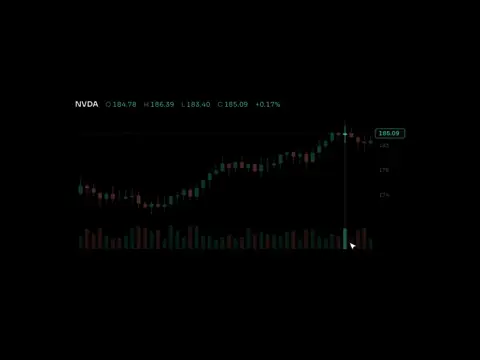
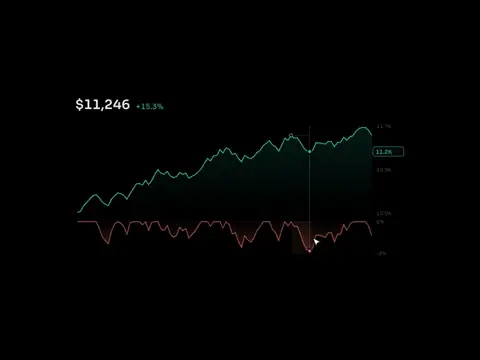
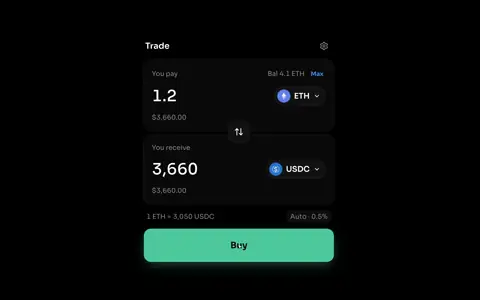
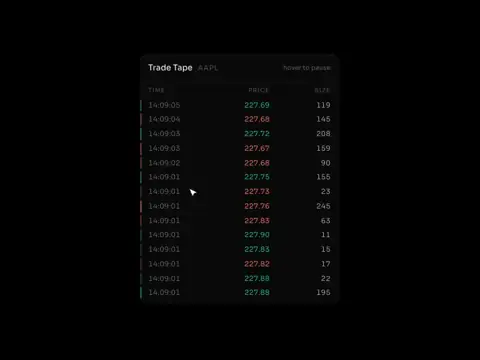
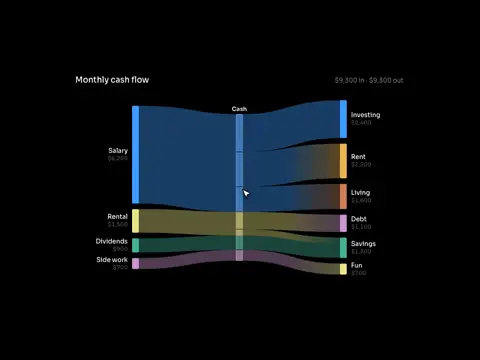
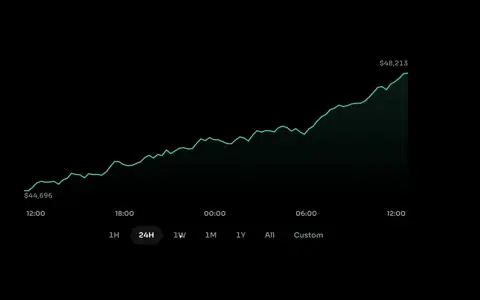
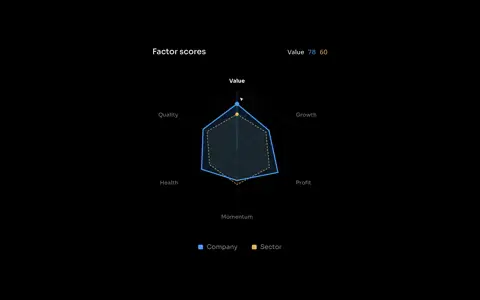
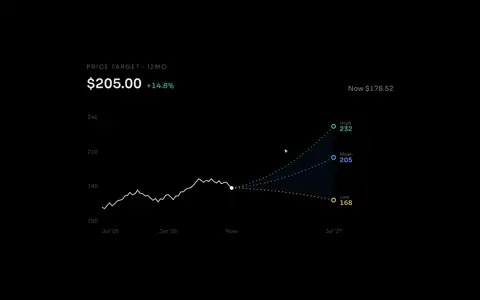
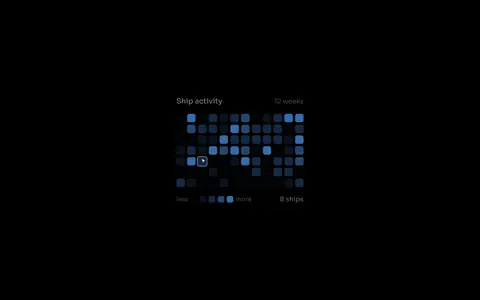

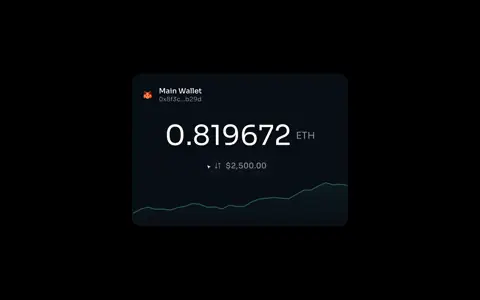
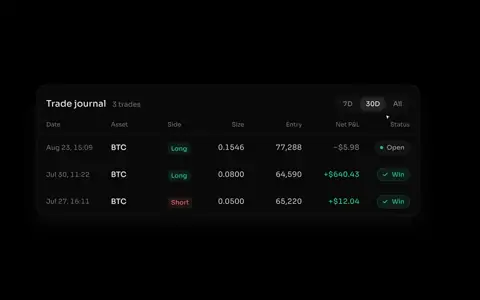
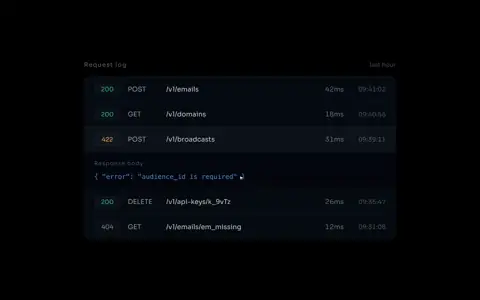
Components for dashboards full of numbers
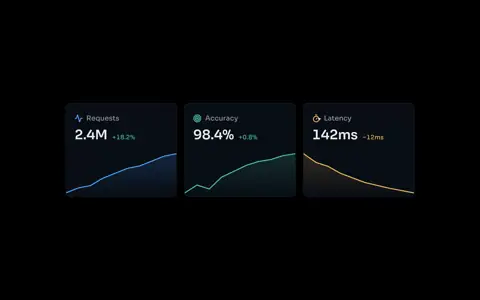
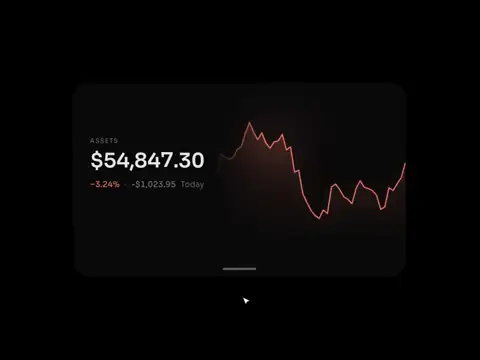
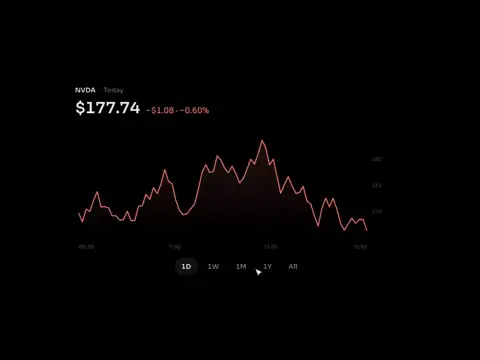
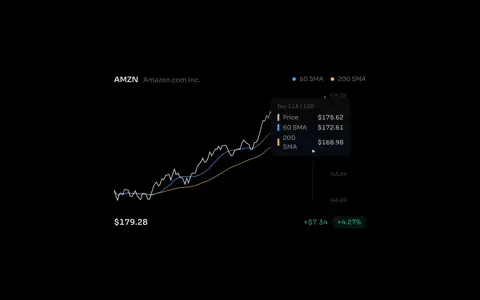
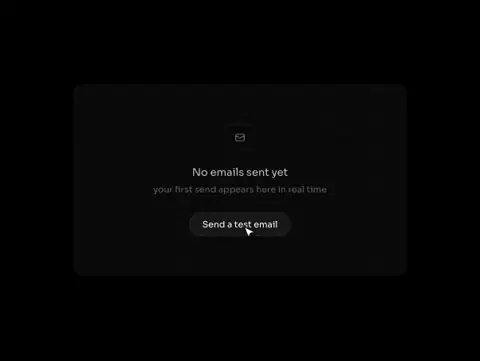
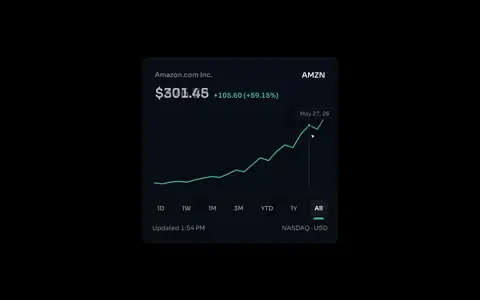
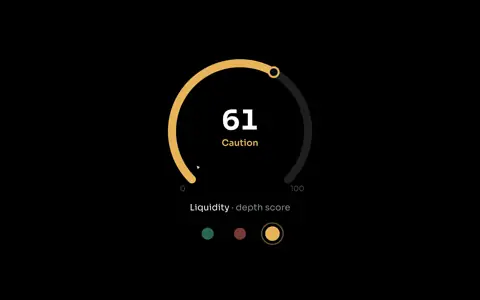
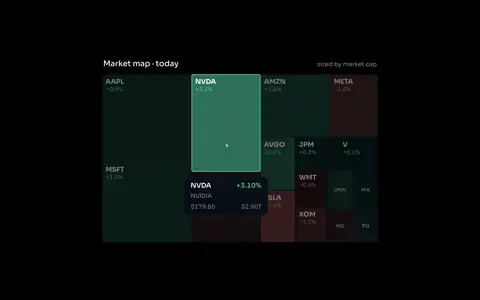
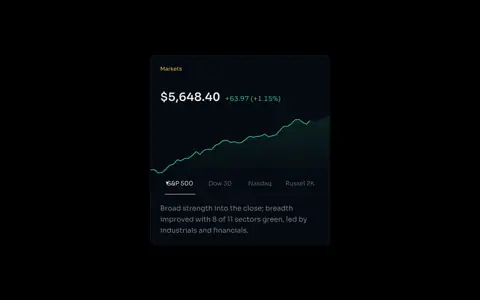
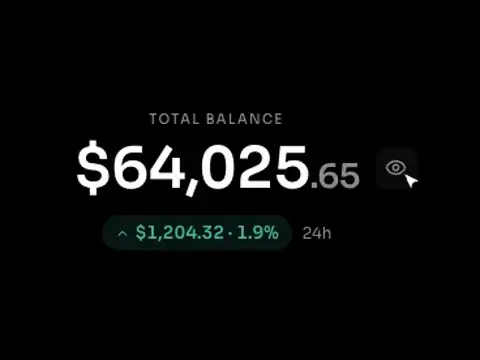
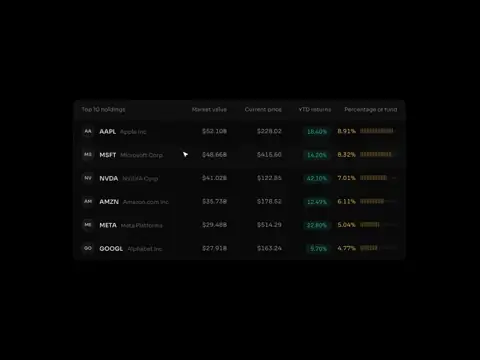
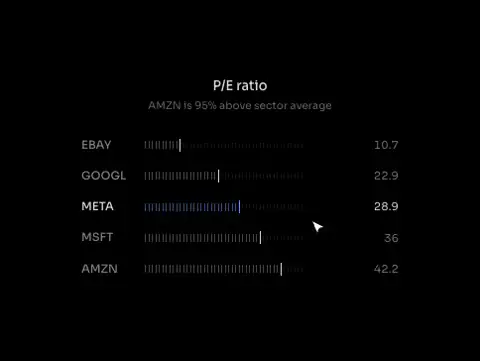
Charts, tables and full dashboards for fintech and data products. Add any of them with one shadcn line.
Dashboards
All 7 dashboardsLanding pages
All 4 landing pagesEasy to implement
Every component installs with one shadcn line. Paste it into the tool you already build with and the source lands in your repo.
Paste the line in the terminal and the source lands in your repo.
Give it the same line as a task and it comes back as a pull request.
Paste it in the v0 chat and the component shows up in your project.
components/market-heatmap.tsx
React and Tailwind on shadcn conventions. Every component is source in your repo, yours to edit.
The same command works in any project already set up with shadcn. No wrapper package and no runtime dependency on me.
Who is it for?
ssych ui is for teams building trading, crypto and AI products whose screens do a lot and are hard to read. It is for you if one of these sounds familiar.
Your screens read like a list.
Every number gets the same weight, so nothing stands out.
You narrate every demo.
Users only understand the screen when you are there to explain it.
Your product looks developer built.
It works, and it looks like nobody designed it.
You keep adding features.
Each one lands somewhere new, and the product gets harder to use.
Or I do it with you.
If you explain your screens in every demo, show me one. I design it and build a working prototype, your engineers take it from there.
Questions, answered
A React component library for dark, data-dense products: trading terminals, dashboards and AI operator screens. Components install with the shadcn CLI into your own project, so you own the source.
Most components are free to install and use. Composed screens, the full dashboards and the React landing page templates are paid, and a paid plan unlocks all of them.
Run the shadcn CLI command shown on the component page. It writes the source into your project, where you can edit it like any other file of yours.
Yes. It uses the same registry format, the same token conventions and the same class utilities, so components drop in without a theme rewrite.
Yes. Installed components can be used in client and commercial projects. Paid screens and templates are licensed per account rather than resold as a template of your own.